Step 01
Build Your Setup
Personalise your Stremio & Nuvio home screen
Choose your route
How would you like to begin?
Take the quick route, customise everything yourself,
or reopen an existing setup with its token.
Load Existing Setup
Quick Setup
Build a clean setup in seconds
Pick a style — Ultra MAX selects the rows. Or skip to Advanced Builder below.
Pick a style above to preview what rows Ultra MAX will select.
● Required
🔐 Password REQUIRED
Passwords do not match
Save this — you'll need it to edit your setup later.
⚠️ Without a registered email address, this setup cannot be recovered: a forgotten password means starting over. Add an address below — it is only ever used to send a recovery code.
Forgotten your password?
🔑 MDBList API Key REQUIRED
Powers all curated lists, trending charts and new releases. Free, takes 30 seconds.
ℹ How do I get a key?
How to get your free MDBList API key
Step 1 — Go to mdblist.com/register and create a free account.
Step 2 — Check your email and confirm your account.
Step 3 — Go to mdblist.com/api and copy your key.
Step 4 — Paste it above. Done!
Free tier: 1,000 requests/day — more than enough.
Step 1 — Go to mdblist.com/register and create a free account.
Step 2 — Check your email and confirm your account.
Step 3 — Go to mdblist.com/api and copy your key.
Step 4 — Paste it above. Done!
Free tier: 1,000 requests/day — more than enough.
🤖 AI Recommended Rows
🤖 AI Recommended Rows Optional
Adds AI Recommended Movies and AI Recommended Series rows.
🌐 Metadata Language
🌐 Metadata Language
Titles and descriptions will appear in your chosen language.
This setting does not hide anything — it only changes the language titles are written in. To hide titles by their original language, use “🌍 Language Filter” further down.
🎨 Better Posters
🖼️ Poster Provider Keys
🎥 RPDB API Key Optional
Get your RPDB key →
⭐ TOP Posters API Key Optional
Get your TOP Posters key →
🎨 Better Posters Optional
Add smart overlays to every poster — ratings, genre, trend tags, quality badges and more. Powered by btttr.cc · Nuvio only
Enable BetterPosters
Replace default TMDB posters
🔗 Or paste your own URL from btttr.cc
If the auto-generated URL doesn't work, visit btttr.cc, configure your style and paste the URL pattern here.
Leave blank to use the auto-generated URL above.
🌍 Language Filter
🌍 Languages to keep Optional
Keep only titles whose original language is ticked below, on general rows. Everything else is dropped — including languages you never thought to name. Dedicated rows — Bollywood, Anime, AniList, MAL, Kitsu, Crunchyroll, HIDIVE — are never filtered.
⚠️ Tick nothing and nothing is filtered — this setting only starts working once you save it. The trade-off, in plain words: a Swedish or Japanese film you would have wanted disappears too, unless you tick its language. A title whose original language is unknown is always kept.
🌍 Language Filter Optional
Hide titles whose original language matches, on general rows. Dedicated rows — Bollywood, Anime, AniList, MAL, Kitsu, Crunchyroll, HIDIVE — are never filtered: you turned them on because you want them.
⚠️ This filter never worked before today: it was sent to TMDB as a parameter that does not exist in their API, so every box was inert. It works now — but the boxes start empty on purpose, so nothing disappears from your rows without you asking. Tick your languages once and save.
What this does not do: it does not change the language of titles (that is “🌐 Metadata Language” above), it does not touch your dedicated rows, and it does not remove a title whose original language is unknown — those are kept.
This list now runs second, after “🌍 Languages to keep” above: keep those, minus these. If you ticked languages to keep, anything not ticked there is already gone — this list can only remove more, never bring anything back.
🔗 Integrations None connected
Not connected
Connect your Trakt account to access your Favorites, Watchlist, Collection and History. Works with private profiles.
Not connected
Connect your Simkl account to access your Watchlist, History and Ratings as personal catalogs.
Not available on this server yet
Connect your MyAnimeList account to add Watching, Plan to Watch and Recently Completed anime rows.
Not available on this server yet
Connect your AniList account to add Watching and Plan to Watch rows. AniList Trending and This Season rows work without connecting.
🎚️ Content Filters
Filters out movies and series that haven't released yet.
Publishes original Kitsu IDs for supported anime catalogs so Kitsu-only streaming addons can respond. Titles without a confident Kitsu match continue using IMDb IDs.
Only shows movies with a confirmed digital release available today. Series are unaffected.
Rows that promise something new — New Releases, Now Playing, Airing Today, On The Air — only show titles released in the last 90 days, plus the next 7 days, sorted from the most recent release to the oldest. A title with no known date is not dropped: it goes to the end of the list. Turn this off and those rows fall back to an audience ranking, where a 2015 film can lead.
🌍 Time zone Optional
Sets the clock used for the "of the moment" rows (morning / noon / evening / night) and for the midnight cut of the freshness window. Leave empty to keep the server's UTC clock.
When off, adult and hentai content is hidden from all catalogs. Recommended for family setups.
👥 Max Age Rating Optional
Hide content above this rating. Uses US certifications. Also blocks unrated content — recommended for filtering adult anime and hentai from catalogs.
Step 02
Build Your Home Screen
Pick a starting point, then fine-tune by category. Your Nuvio home updates live.
Loading...
Fine tune by category
Manage your setup
All rows
Final check
Review your home
Check your selected rows or preview how they will appear in Nuvio.
Step 03
Collections
Group your home rows into Nuvio collections
⚡ Quick start — tap to add a collection
tap to expand
▼
Quick start — tap to add a collection
Each preset instantly creates a new collection below. Tap as many as you like — one at a time.




Streaming
+ Add collection
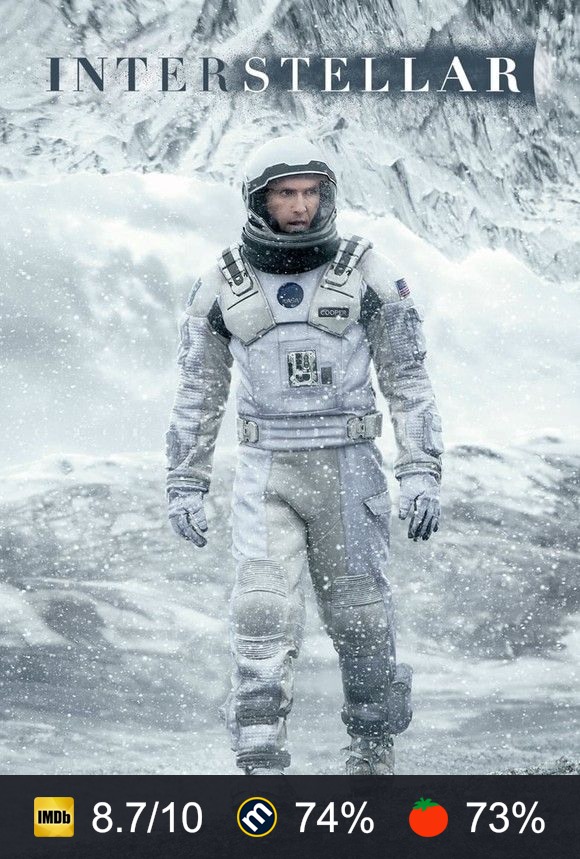
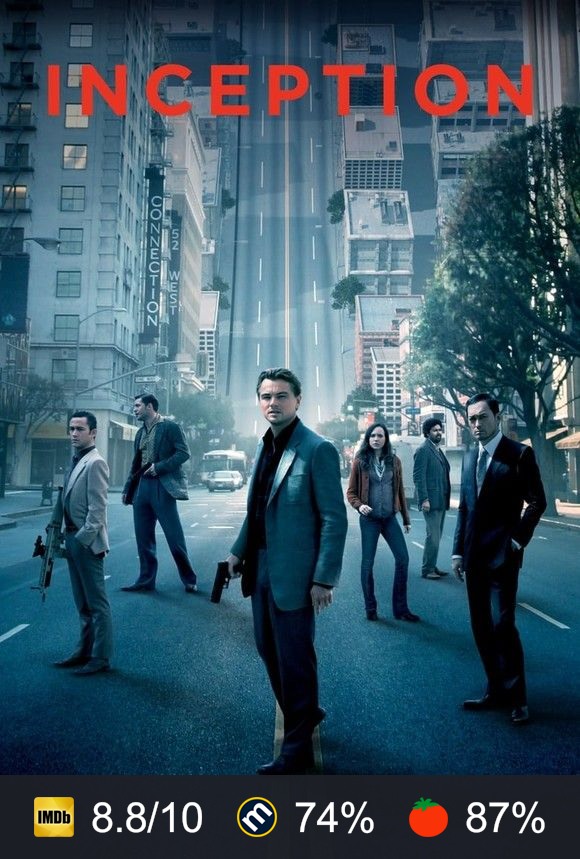
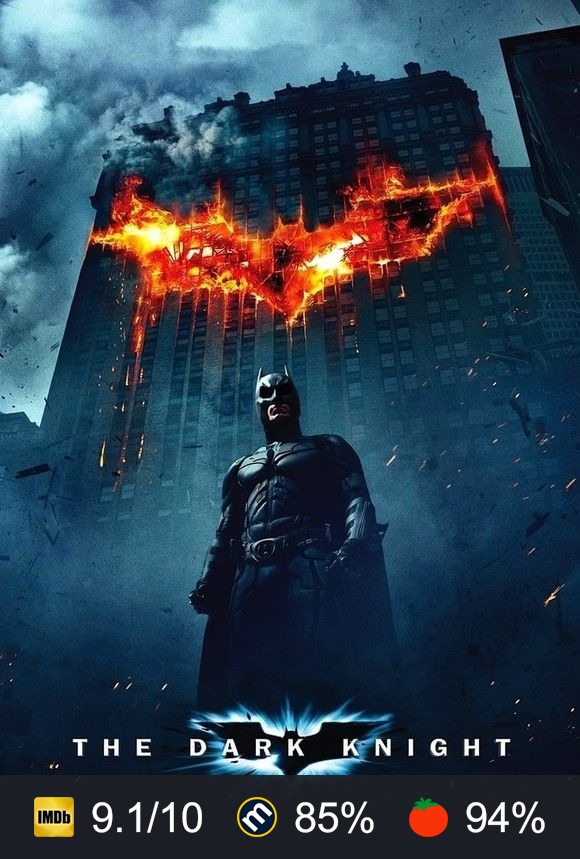
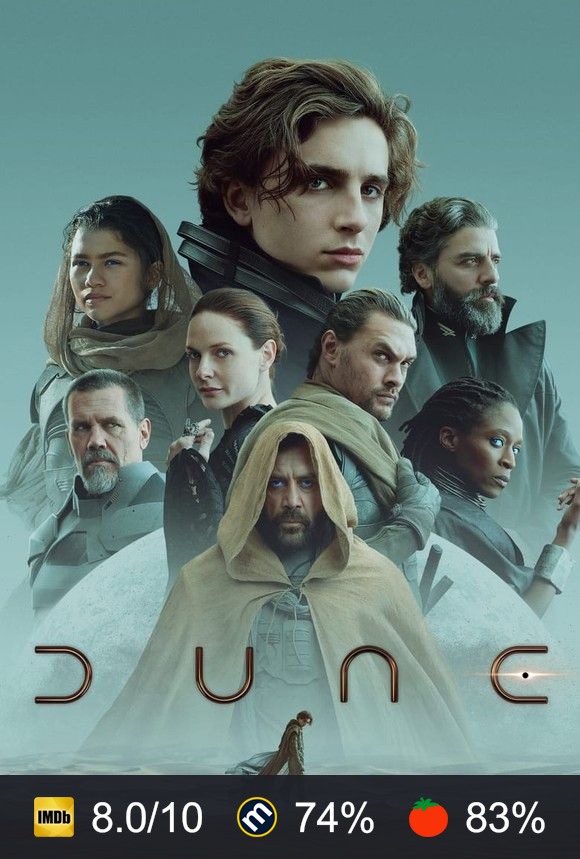
Trending
+ Add collection



Genres
+ Add collection



Themed
+ Add collection



Film Collections
+ Add collection


Studios
+ Add collection


Directors
+ Add collection



Actors
+ Add collection
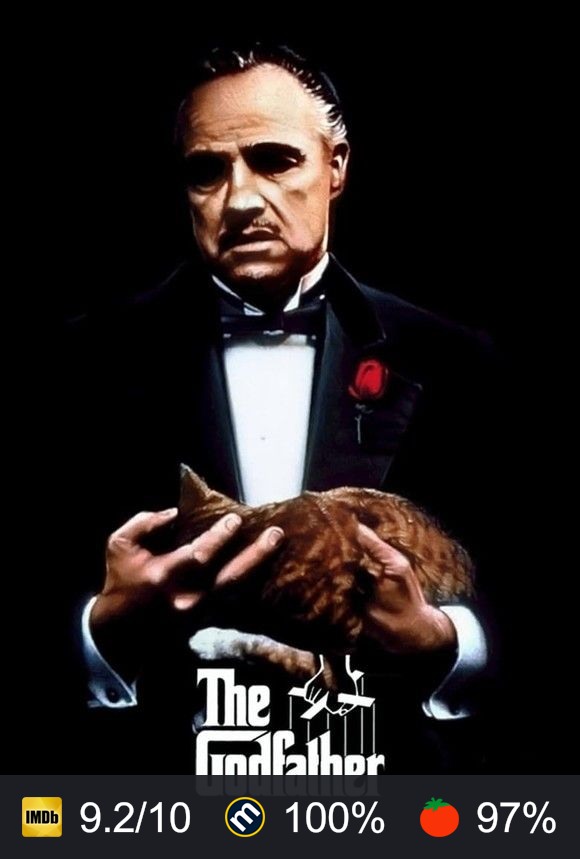
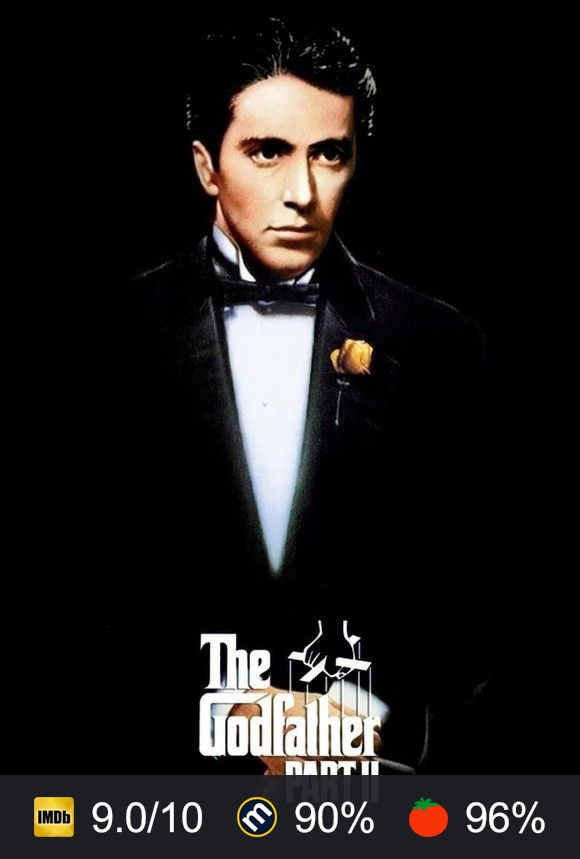
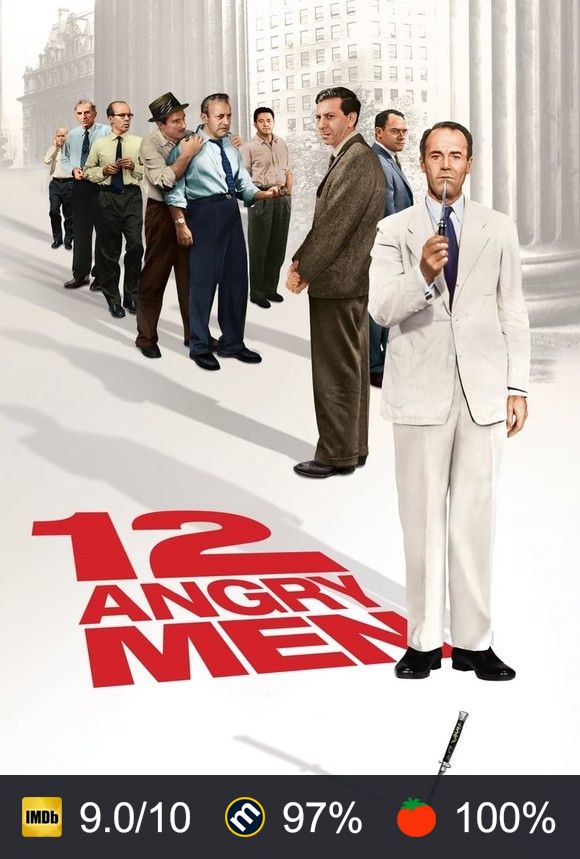
Trakt
+ Add collection
By Decade
+ Add collection
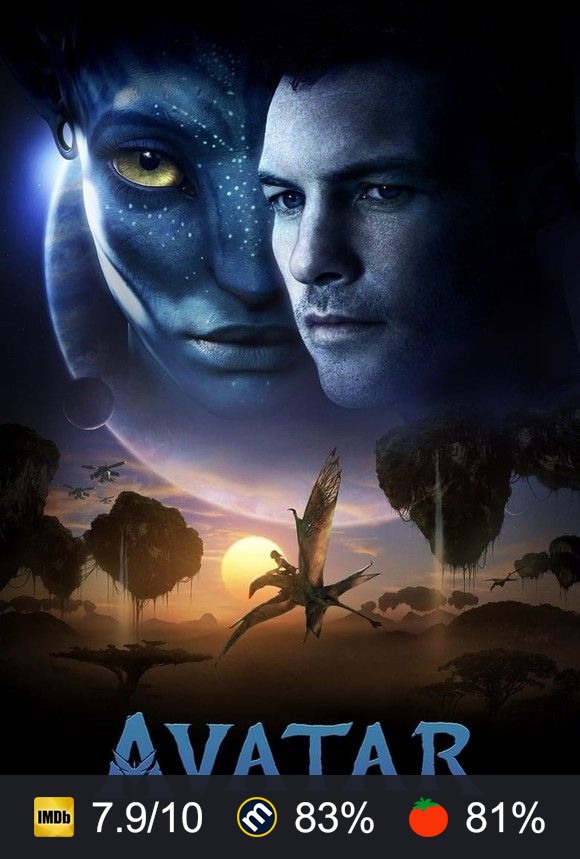
Kids & Family
+ Add collection



UK
+ Add collection
Display style
Tabbed Grid
Recommended
Grid
Simple layout
Rows
List view
↑
No collections yet
Tap a preset above to get started instantly,
or click + Add Collection to build one from scratch.
Tap a preset above to get started instantly,
or click + Add Collection to build one from scratch.
🚀 Finalize
Important Install Instructions
▾
Final Setup Summary
Home rows kept: 0
Hidden from Home: 0
Collections created: 0
Rows moved into Collections: 0
Performance: Excellent
Your setup looks clean and ready to generate.
Generating your addon...